Prompting
- Tutorials & TipsWhy you should build your app one feature at a time
Build your app in layers, one feature at a time, so every change is small enough to test, cheap to undo, and easy to trace when something breaks. Here's the order to build in, with a prompt for each layer.


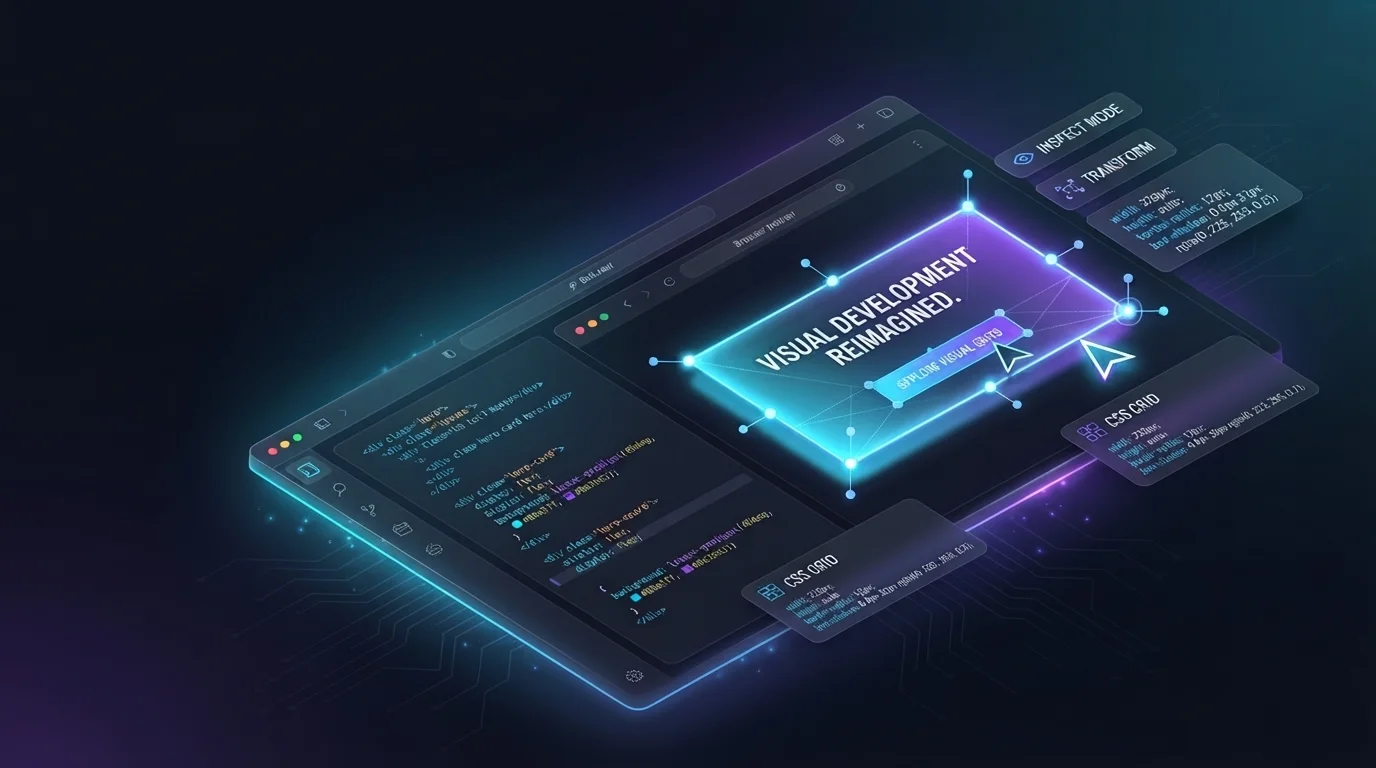
- ProductVisual Edits: edit your app by clicking on it
Visual Edits is live in Bolt.new. Click any element, change text, size, and color with a toolbar, then send batched changes to the model at once.

- Tutorials & TipsHow to build smarter: a guide to better prompting
Eight prompting habits, priced: what clustered prompting, prompting cues, agent choice, and queueing each cost or save in Bolt.new.

- ProductPrompt queueing is live: queue your next idea while Bolt.new builds
Prompt queueing is live in every Bolt.new project. Type your next prompt while a build runs and it fires in order when its turn comes.

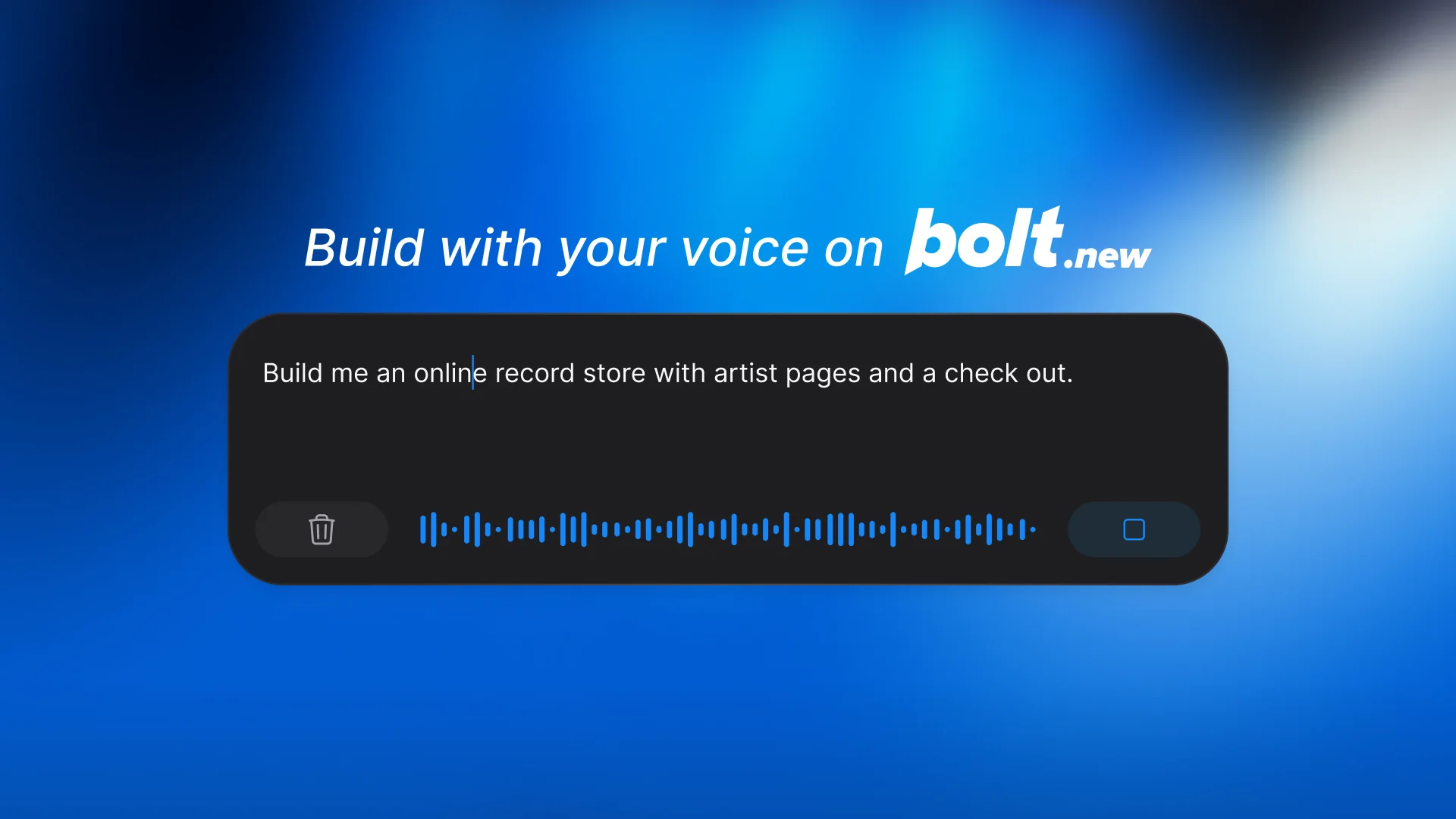
- ProductDictation is live: Bolt.new is ready to listen
Dictation is live in Bolt.new. Talk through your prompt instead of typing it, and give AI the detail it needs to build the right app.
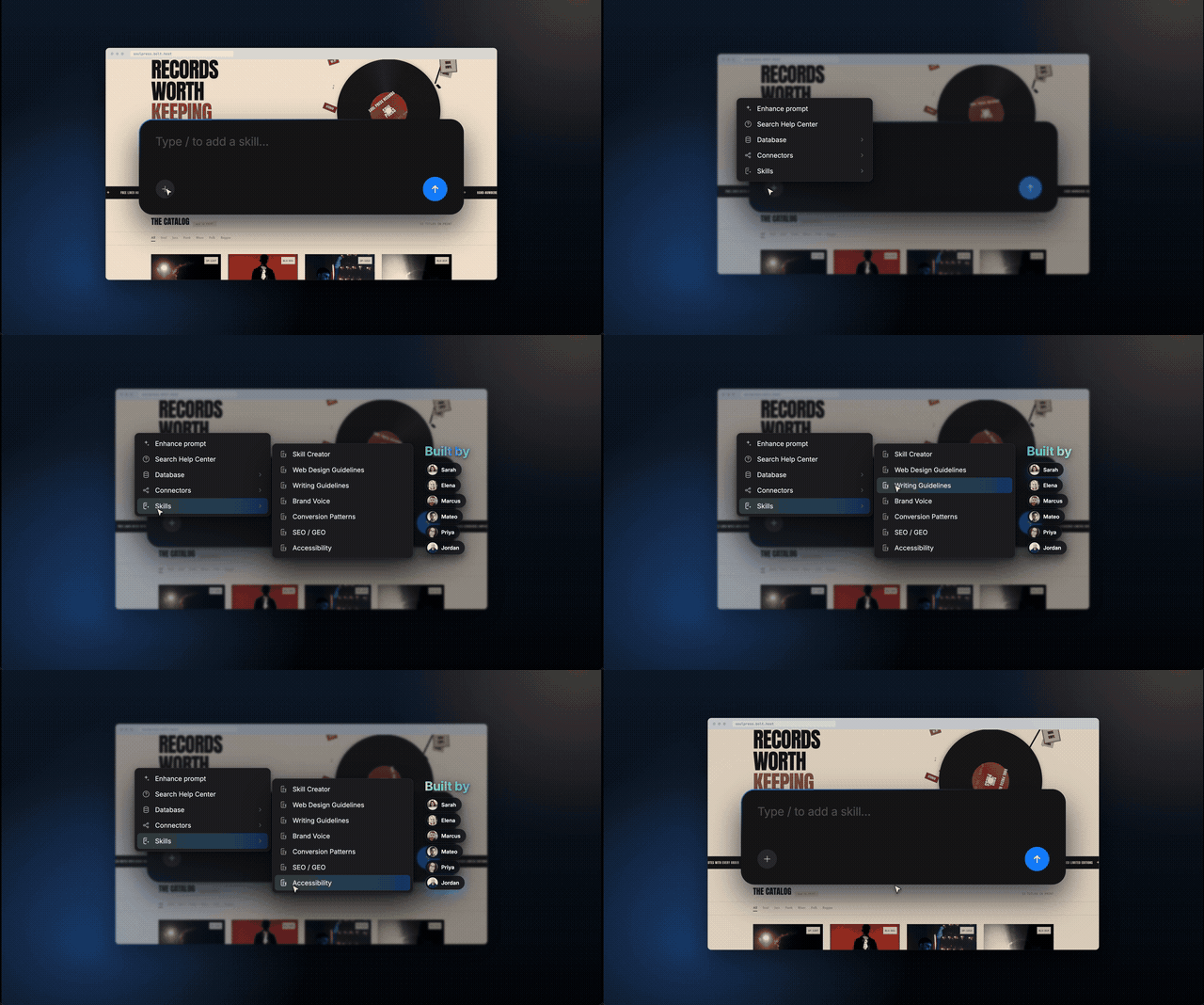
- ProductIntroducing Skills: Create your ideal AI builder
Every new project starts with the same setup conversation. Skills end it. They're reusable bundles of context, rules, and workflows Bolt.new applies as you build: your fonts, your stack, your code review standards. Add them to one project or share them across your workspace.
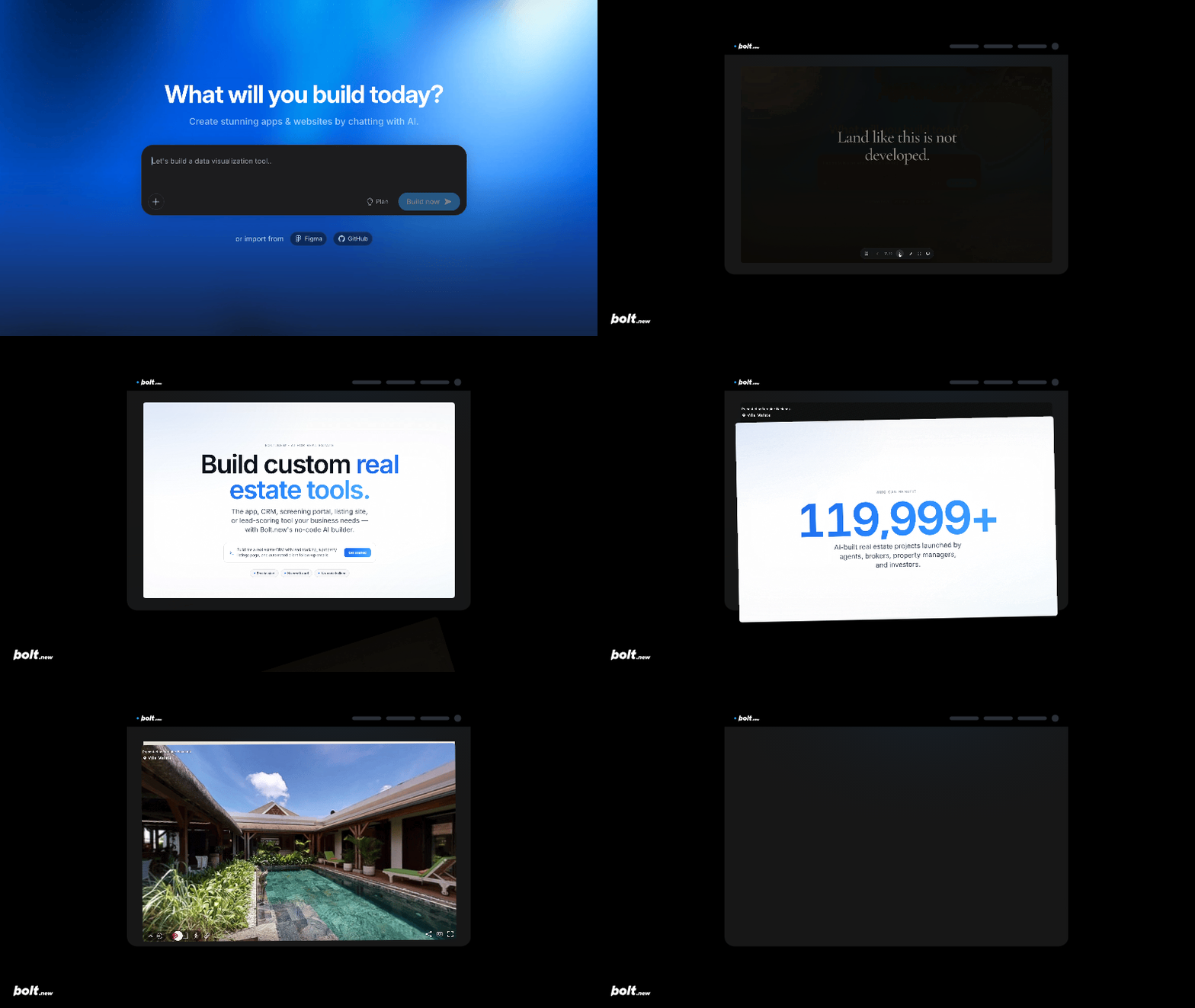
- ProductBuild what you couldn’t imagine before, with Bolt Slides
Describe your presentation and your AI agent builds it. Bolt Slides creates sleek decks and interactive experiences: 3D tours, live data, working prototypes.
- Tutorials & TipsMake your landing page feel alive (without becoming a motion designer)
Add interactive shader-like backgrounds, motion components, distortion effects, and more to your landing page background.
- Tutorials & TipsHow to build beautiful slide decks 10x faster with Bolt.new
Build polished, interactive slide decks in Bolt.new just by prompting. Easier and smoother than PowerPoint and Google Slides.
- Tutorials & TipsConnect your Bolt app to QuickBooks using Pica AuthKit
Build financial products in Bolt using this simple QuickBooks integration.
- Tutorials & Tips4 ways to use video as a design element
How to use video as a design element for your website.

- Tutorials & TipsBolt x Twilio: Send SMS with Twilio from Bolt
With Bolt x Twilio, you can send transactional texts to your users straight from your Bolt app.

- Tutorials & TipsBolt x Notion: How to use Notion as a CMS in Bolt
Bolt x Notion: How to use Notion as a CMS in Bolt

- Tutorials & TipsBolt x Gmail: Connect Bolt to Gmail to send emails automatically
Bolt x Gmail: Connect Bolt to Gmail to send emails automatically

- Tutorials & TipsBolt Rebuild: Transforming any website for the holidays (without rebuilding it)
Make seasonal updates to your website in minutes to delight visitors for the holiday season and more.
- Tutorials & TipsBolt Rebuilds: macOS-style portfolio website
A tutorial for creating a portfolio website that truly sets you apart. In this edition of Bolt Rebuilds, we replicate PostHog's unique OS-style website.
- Tutorials & TipsBuild Rebuilds: Interactive particle effects with hand tracking
A tutorial on creating four distinct tools and games using a simple hand tracking effect.

- Tutorials & TipsPrompting like a pro: 8 tips to get the best out of Bolt
Create better prototypes, products, and apps in Bolt with these 8 prompting tips.
- Tutorials & Tips10 prompt keywords to make your app look fire
Text reads "10 keywords to make your app look fire"
- Tutorials & TipsWhat can you actually build with Bolt? 10 real use cases
See how product teams, freelancers, and solo founders around the world are using Bolt to launch fully functional software and fast prototypes.