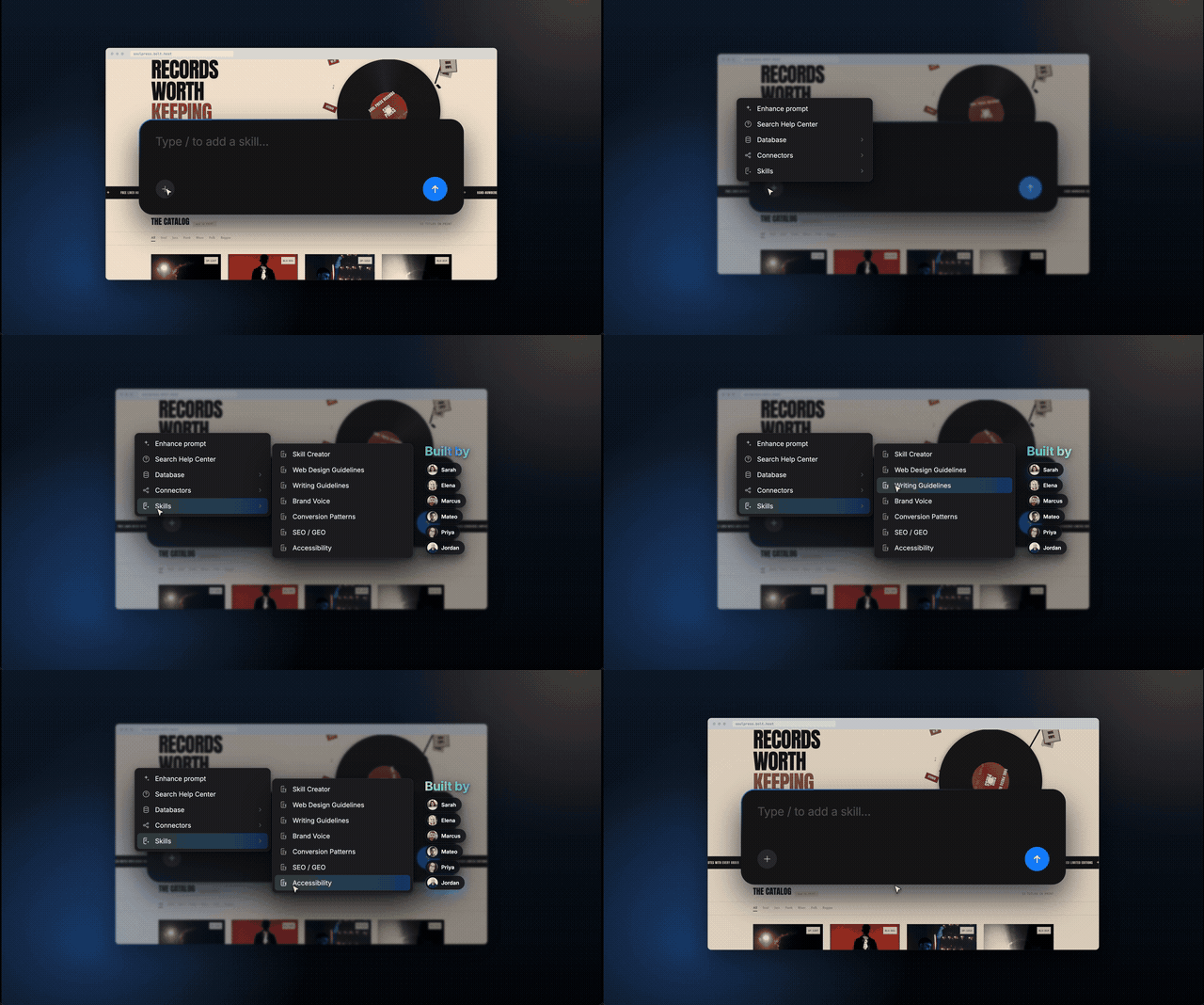

Highlights
- Skills are reusable bundles of context, rules, and actions your agent builds with, triggered automatically as the build demands
- They range from simple preferences (your preferred fonts, your tech stack) to specialized workflows (code review, SEO/GEO optimization, performance tuning)
- Pre-built skills ship at launch; build custom skills or upload them from other tools
- Add a skill to one project, or share it across your workspace so the whole team builds to the same standard
- Solo builders access capabilities that would otherwise take extra time or extra hires
You've noticed the pattern. Every new project starts the same way: you explain your stack, your conventions, the way you like things structured. Then you do it again on the next one.
Skills fix that.
What are Skills?
Skills are reusable context and capabilities that Bolt.new uses when you build. They can be as simple as remembering your preferred fonts or as specialized as workflows for database indexing and code review.
Add a skill to a single project, or make it available across your whole workspace. Create a theming agent that styles an app to match your brand. Install an SEO/GEO workflow skill to make your websites perform better on the SERPs and in LLM citations. Package your preferences, your tech stack, and how you communicate into a skill, and Bolt.new pulls in the right ones as you build.
Pre-built and custom
You can start with what's already built or make your own.
Bolt.new ships with a library of pre-built skills you can install in one click: theming agents, performance optimization, code review workflows, framework configurations, and deployment setups. Pull them in, and your next project starts sharper.
When the library doesn't cover your needs, build your own. Custom skills let you package conventions and processes specific to your work: your naming patterns, your internal testing protocol, a security review that flags vulnerabilities against your team's policy. Add them to the projects that need them, or your whole workspace.
Three ways to get skills into your account:
- Select one from the library.
- Build a custom skill.
- Upload skills from other tools or skill repos.
Skills for every builder
Solo builders and small teams get something specific from skills: capabilities that would otherwise take extra time or extra hires. A code review skill checks your output against professional standards without a second pair of eyes. Performance optimization tunes your apps without manual benchmarking. Set up the skills your work relies on, and you ship faster because the foundation is already there.
Skills across your org
For teams, skills work at two levels. Workspace skills are available to everyone, so the whole team can build to the same standard. Project skills stay scoped to a single project, switched on or off as needed. Either way, new teammates follow your conventions and run your workflows before they've opened the style guide.
Senior developers write their standards into a skill once instead of repeating the same feedback across projects. A shared code review skill catches the issues your team cares about before anyone opens a PR.
Get started
Skills are live now. Head to your account settings to browse the pre-built library, build your own from scratch, or upload skills from other tools. Every project you start after that begins with your context already loaded.
Try Bolt.new Skills.