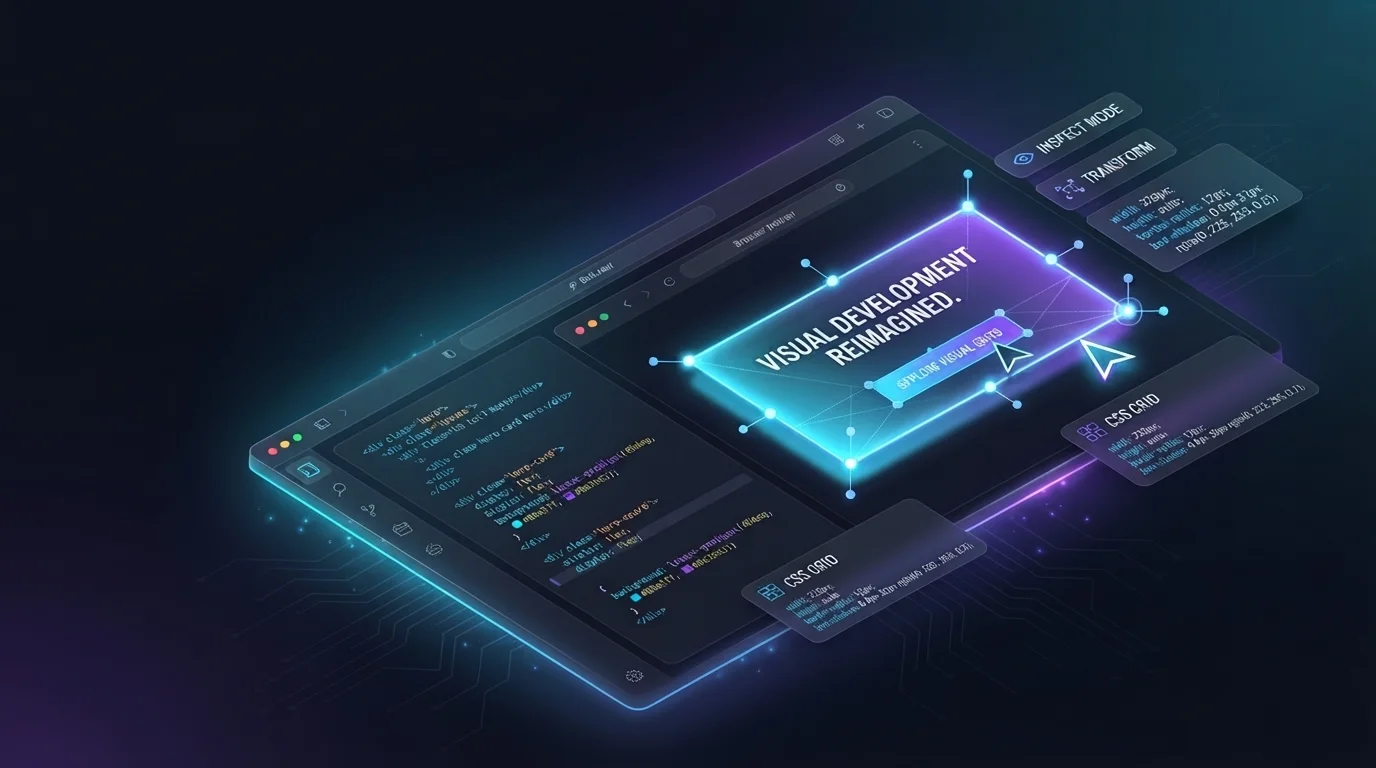

Google Stitch, the AI-native design tool from Google Labs, just added an "Export to Bolt" button. One click takes your Stitch design, packages the full context (layout, components, design tokens, intent), and drops you into Bolt with everything pre-loaded. You pick up where the design left off and start building.
In short: design in Stitch, click "Export to Bolt," and start building with your layout, components, and DESIGN.md already loaded. No re-explaining, no lost fidelity.
If you've used Bolt to build from a prompt, you already know the feeling of watching an idea turn into a working application in minutes. This integration moves the starting line forward. Instead of describing what you want, you're handing Bolt a finished design with all the visual decisions already made. The prompt becomes richer because the design carries the context that words alone leave out: the spacing, the hierarchy, the way a layout breathes.
The new Stitch update also ships MCP integration, which means coding agents can import screens from Stitch and sync visual changes back to your codebase. For teams that work across design and development, the loop between "what it looks like" and "what it does" tightens to the point where the distinction starts to blur.
Bolt as the build layer
The AI toolchain is splitting into specialized layers. Tools like Stitch handle the design thinking: generating screens, exploring variations, and nailing the visual language. Bolt handles what comes after: turning that design into a working application with authentication, databases, APIs, and business logic wired up that's ready to deploy.
Each tool is best at its part of the problem, and this integration lets them stay in their lane while you move between them without friction. You don't re-explain your design to Bolt. Stitch already did that. You walk into a Bolt session with your visual blueprint loaded and start prompting the parts that make an application an application: the data model, the user flows, the integrations, and the logic that lives behind the screen.
DESIGN.md: the context layer
Part of what makes this handoff work is DESIGN.md, an open-source file format Google introduced alongside Stitch. It captures your product's visual language in a single, agent-friendly markdown file: colors, typography, spacing rules, component patterns. Think of it as a design system that AI tools can read natively.
Stitch can generate a DESIGN.md from a Figma file, a live website, or an existing codebase. When you export to Bolt, that file travels with your design. Bolt inherits your visual standards before you write your first prompt, which means the application it builds looks like your product from the first render.
The workflow
Design your screens in Stitch using prompts, uploaded sketches, or voice. The latest update lets you watch Stitch render in real time and steer the generation before it finishes, so the back-and-forth feels less like submitting a request and more like collaborating with a design partner who works at the speed of your ideas.
Refine with in-place edits. Point at a component, describe the change, and Stitch updates that section without regenerating the full screen. Once you're happy with the design, click "Export to Bolt" and you're building.
Try it
Design your screens in Stitch, click "Export to Bolt," and start building the application behind them. Fixing the handoff with one-click deployments like this removes the fumbled moment where context and fidelity get lost.
AI tools are always getting faster, but speed outside of the context of better quality or a smoother workflow doesn't add up to much. This is about getting better, not just quicker: transferring a project between platforms without losing what made it good.
Design in Stitch. Build it in Bolt. Ship it again and again.