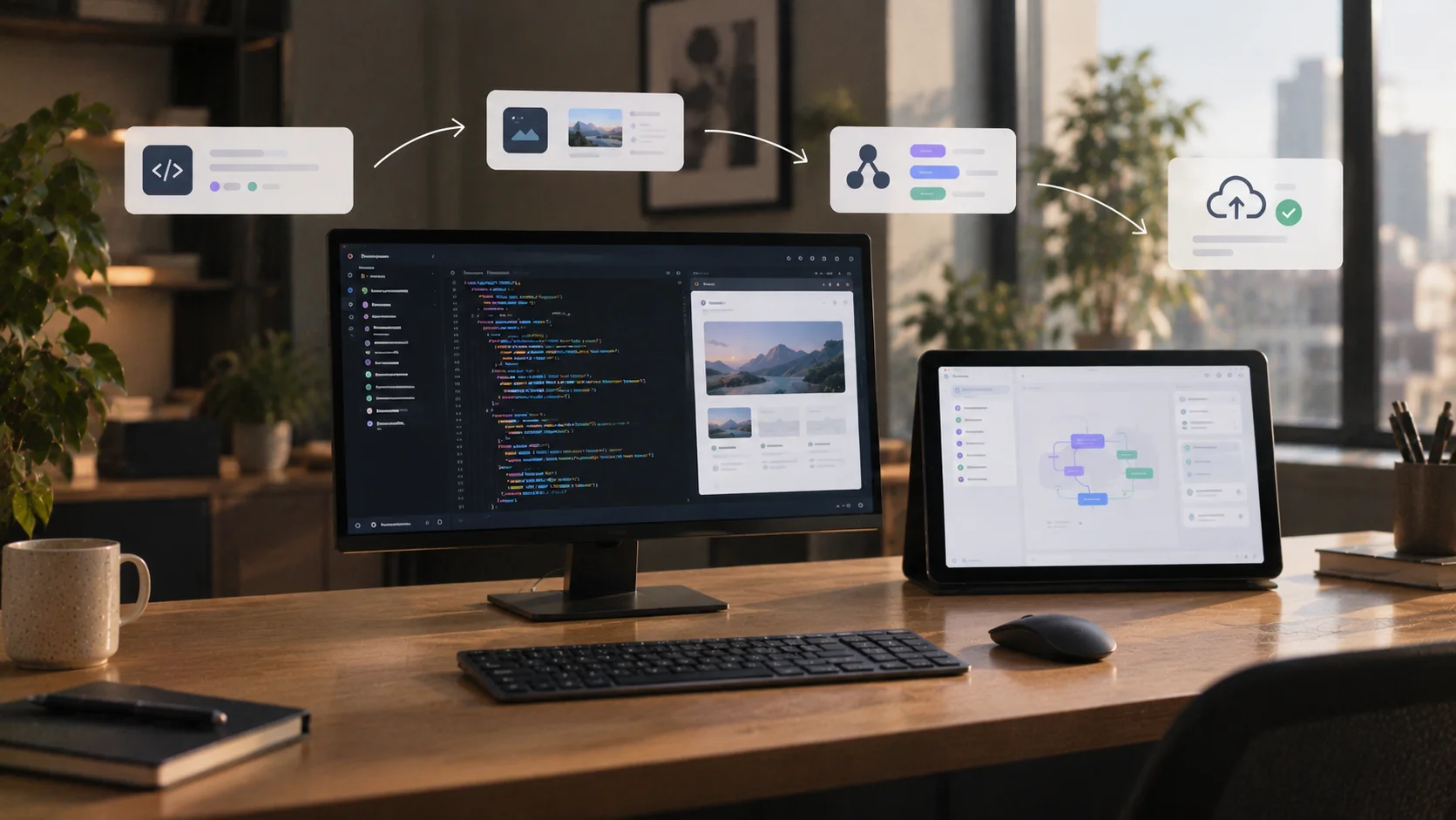

Key takeaways
AI coding assistants help write, edit, and troubleshoot code, with some, known as agentic coding tools, also running commands and completing multi-step development tasks. For both, someone still has to choose and manage the infrastructure that keeps the finished application live.
Non-technical builders, product managers, and agencies still need a way to turn generated code into a working, hosted product.
AI-generated code carries a security risk that persists regardless of model size, so catching it requires a workflow change rather than a smarter model.
Bolt.new combines coding assistance with a development environment, hosting, and publishing in one workflow.
The code is shipping fast. Your team adopted an AI coding assistant months ago, and the velocity is significant: functions drafted in seconds, boilerplate gone, reviews moving quicker. But somewhere between the generated code and a live, governed product, the work stalls. The assistant wrote the code, but nobody agreed on who deploys it, who reviews it for security, or how it gets in front of users.
An AI coding assistant is a tool, typically built into an integrated development environment (IDE) or terminal, that uses a large language model to autocomplete code, generate functions, and answer questions about your codebase from natural-language prompts.
That definition sets the scope: Code generation alone doesn't provide the hosting, backend services, or infrastructure management needed to keep an application live. It’s one part of a larger development workflow.
So does your team need better code generation inside its existing workflow, or does it need a broader build-and-publish system?
What an AI coding assistant does
An AI coding assistant works inside your existing development environment, completing lines as you type, generating code blocks through a chat interface, and surfacing suggestions without leaving your editor. Some tools go further, creating project scaffolds, editing several files at once, and running terminal commands.
The adoption numbers reflect utility. Stack Overflow's 2025 Developer Survey found that 84 percent of developers use or plan to use AI tools, though 52 percent still avoid agents or stick to simpler assistance. GitHub's SPACE-framework research found that Copilot supports faster task completion and helps developers spend more time on work they find satisfying.
AI coding assistants in 2027
AI coding assistants in 2027 span two overlapping workflows: editor assistants that offer inline completions and chat-based help inside your existing tools, and agentic tools that can plan a task, edit several files, and run commands to complete it.
Most products now offer both, so the table below maps common tools by where they run and the workflow they support. It's a reference, not a ranking. Categories overlap, and most teams use more than one. For a deeper comparison of vibe coding tools and AI builders, the full breakdown covers six criteria across the major platforms.
Tool | Category | Where it runs | Best fit |
GitHub Copilot | IDE assistant with agent capabilities | Supported IDEs and GitHub | Coding help and multi-step tasks within an existing development workflow. |
Tabnine | IDE coding assistant | Supported IDEs | Context-aware completions and code-related chat. |
JetBrains AI Assistant | IDE assistant with coding-agent integrations | JetBrains IDEs | Code generation, explanation, refactoring, and delegated tasks within JetBrains tools. |
Cursor | AI editor and coding agent | Editor, CLI, and cloud agents | Understanding codebases, building features, fixing bugs, and reviewing changes. |
Claude Code | Agentic coding tool | Terminal, IDE, desktop, and browser | Multi-file development, command execution, testing, and workflow automation. |
Devin | Software engineering agent | Cloud workspace and local CLI | Delegating scoped engineering tasks, bug fixes, migrations, and testing. |
Where assistant-only tools stop
An AI coding assistant can generate, edit, and revise code, but those capabilities alone don’t provide hosting, databases, or domain management. Your team still needs to choose and manage those services.
That matters because the code itself carries risk from the start. Veracode's 2026 GenAI Code Security Report found that about 44 percent of AI code generation tasks introduced a risky vulnerability, with a 56 percent average security pass rate across more than 100 models tested. The IEEE Computer Society documents workflow, security, and architectural failures in AI-generated code that require engineer oversight to catch.
Running that code as a live product adds another layer. Someone still has to wire up the infrastructure stack.
Who hits the ceiling first
Different roles reach the assistant ceiling when their work extends beyond writing code. A chief technology officer (CTO) owns security sign-off. A chief product officer (CPO) owns velocity. But the daily friction lands on product managers, non-technical builders, and agencies: the people who need generated code to run, authenticate, and ship before it has any value.
Non-technical builders who need a working app
Generated code isn't a working app. A non-technical builder also needs somewhere to run it, a database to store its data, and a publishing path that doesn't require configuring three separate services.
That configuration step can stall a project. An AI coding assistant can write the application code, but wiring up a database provider, a hosting platform, and a domain registrar each demands technical decisions the code itself never makes.
For a founder or small business owner who needs to build custom software for their business now, that step is the whole problem. There's no engineering team to hand the configuration work to, so the generated code sits undeployed.
Product managers who need a credible prototype
When a stakeholder decision depends on testing user accounts, saved data, or brand consistency, the prototype needs to demonstrate those capabilities.
You need to share a running experience. If reviewers can't sign in, trigger a workflow, and see data behave the way the product will, they're evaluating a claim.
A prototype that misses the product's approved look compounds the problem. Stakeholders anchor on what they see, and a generic UI raises questions about scope and polish that the meeting wasn't called to answer.
Agencies that need handoff-ready work
Agencies need hosted applications with infrastructure ready to transfer. A collection of generated functions leaves the client needing a developer on retainer.
The friction shows up at the end of every project. An AI coding assistant speeds up writing individual features, but the agency still has to connect a database, configure hosting, set up deployment, and make sure the client can take ownership of all of it.
A clean handoff means the client gets a running application with clear ownership of the infrastructure and an agreement on who handles ongoing maintenance. Unfinished infrastructure is an open tab, and it tends to come back.
How Bolt.new's agent does the assistant's job
Bolt Agent plans, writes, and troubleshoots application code from natural-language prompts, the same core job any AI coding assistant does.
Two agents handle different task shapes. Standard is built for everyday builds, UI updates, and well-defined tasks where speed matters. Max applies deeper reasoning to large-scale applications, interconnected features, and open-ended problems where the scope keeps shifting.
Choosing between them is a task-complexity decision. Bolt.new handles the underlying model behind each agent, so your team picks by the shape of the work, without tracking model versions or re-benchmarking on every release.
See what Bolt Agent builds in practice and test the workflow yourself.
Where the assistant's job ends and Bolt.new's begins
Bolt.new combines coding assistance with the development environment and services required to run and publish an application. Line the two up on the criteria that decide whether a build ships, and the boundary gets concrete fast.
AI coding assistant | Bolt.new | |
Code generation | Generates and edits code; some tools also execute tasks. | Bolt Agent plans, writes, and runs full applications. |
Where code runs | Code runs locally or in a development environment provided by the tool. | WebContainers runs code in the browser, no local setup. |
Deployment and hosting | No built-in hosting, database, or domain management. | Bolt Cloud bundles hosting, database, and domains in one interface. |
Security review of generated code | Security checks vary by tool; generated code needs review. | Security audit runs from the Publish menu at no token cost on paid plans. |
Brand and design consistency | Can use existing project components and brand instructions. | Design systems ingest company component libraries for on-brand output. |
Bolt.new brings code generation, execution, deployment, security review, and design system support into one workflow.
Pay attention to the security and deployment rows. They're where separate tooling creates evaluation overhead for product and engineering leadership, and where bringing those capabilities together can reduce it.
For a CTO or CPO weighing agentic development platforms, that consolidation matters as much as code quality. Bringing these capabilities together reduces the number of separate tools your team needs to evaluate and manage.
What Bolt.new adds once the code runs
Three capabilities support that integrated workflow:
Browser development environment through WebContainers
Managed backend services through Bolt Cloud
On-brand output through design system ingestion
A full development environment in the browser
Bolt.new lets you plan, write, run, preview, and publish an application without leaving your browser tab. Describe what you want to build, and Bolt Agent generates the code, executes it, and renders a live preview in the same environment. That end-to-end sequence applies whether you're shipping a full application or a marketing site.
Bolt Cloud instead of a separate hosting stack
Bolt Cloud puts databases, authentication, hosting, and domains in the same interface as the build. You're not opening separate accounts with a database provider, a host, and a registrar before your app can go live.
File storage, edge functions, analytics, and domain name system (DNS) management are built in.
Netlify publishing and Supabase databases remain supported alternatives if your team has existing preferences, so Bolt Cloud is optional.
Design system ingestion instead of generic output
Bolt.new reads your component library and brand assets before generating a single line of interface code, so the build uses your approved parts from the first prompt. Supported sources include component libraries, private NPM packages, Storybook sites, and brand assets. The result is output built from your components, with nothing AI-invented to retrofit later.
Uploading a custom design system requires a paid Teams plan. On Free or Pro, you can still explore pre-loaded systems, including Porsche and Cloudscape, to see the mechanism in action. Skills work the same way, encoding process standards once so Bolt.new applies them across every build.
Why WebContainers change where code runs
WebContainers run Bolt.new's development environment inside your browser tab, so project code executes locally during development instead of on a remote server spun up for your session.
There’s no local environment to configure. You open Bolt.new, describe what you want, and the environment is already running. No local Node installation or Docker setup.
For a CTO evaluating a new build tool, the question is where code executes during development, and the answer here is your own browser. That's one part of the architecture enterprise security reviews assess.
AI inference, databases, hosting, and server functions still run server-side. WebContainers handle only the development environment.
Ship the product, not just the code
Most AI coding assistants can write good code. The question is what happens after the code exists. Who runs it, where does it live, how does it stay on-brand, and who handles the database, the domain, and the auth layer? That operational question is where the choice between a coding assistant and a broader build-and-publish system lives.
If your team already owns that infrastructure and has a development environment you trust, a coding assistant fits cleanly into what you've built. Bolt.new is the right fit when you want one workflow from build to publication.
The clearest way to evaluate that tradeoff is to trace one project from prompt to live URL and count the tools, accounts, and handoffs it takes. If that number is higher than you'd like, run a build through Bolt.new and see whether one browser-based workflow is a better fit for your team.