Build software where your team already works
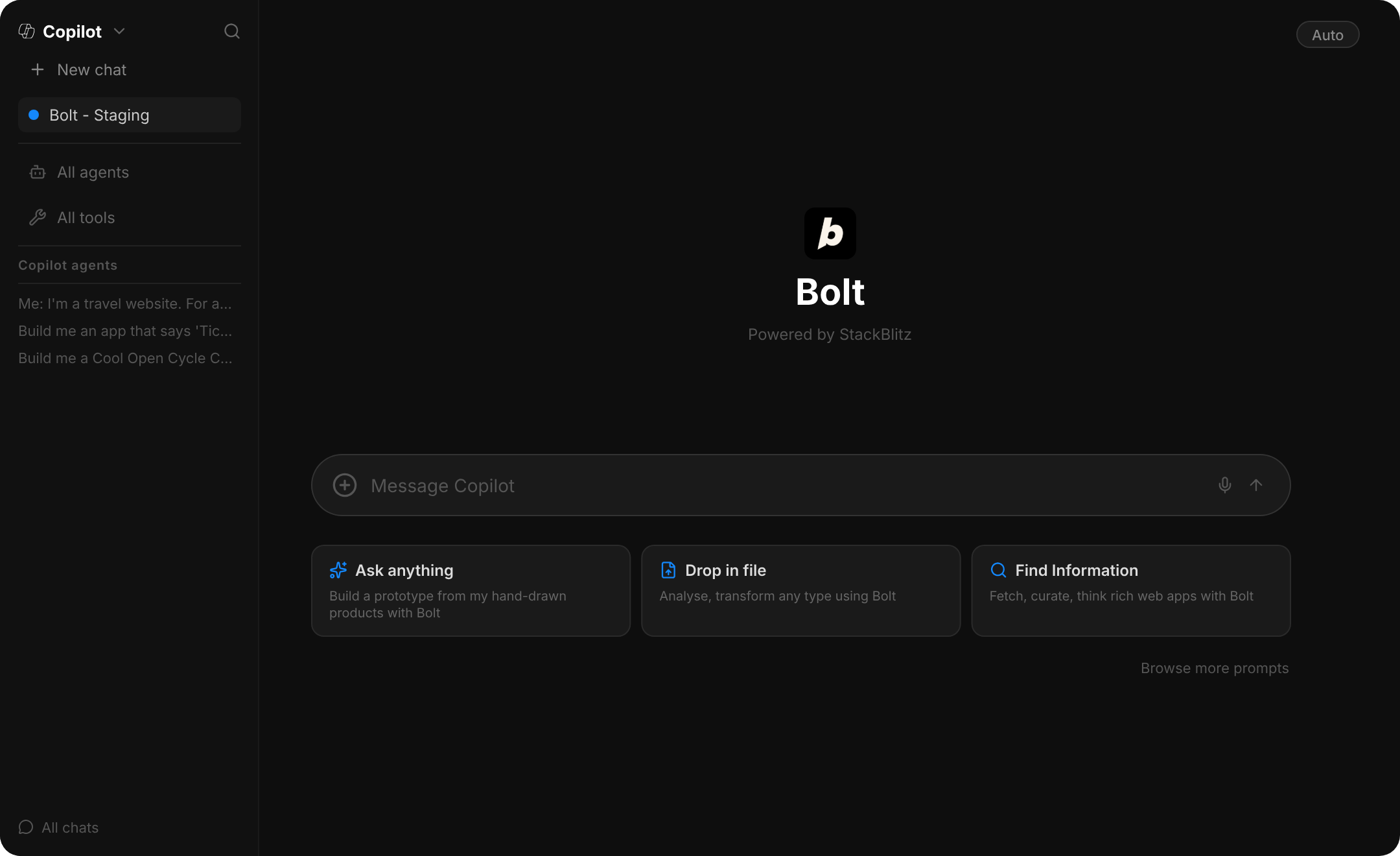
Describe what you want, watch a real app come together, and preview it without ever leaving the conversation.
What it unlocks
Bring the fastest way to turn an idea into a working app into the tools your company already runs on.
Build inside Teams & Copilot
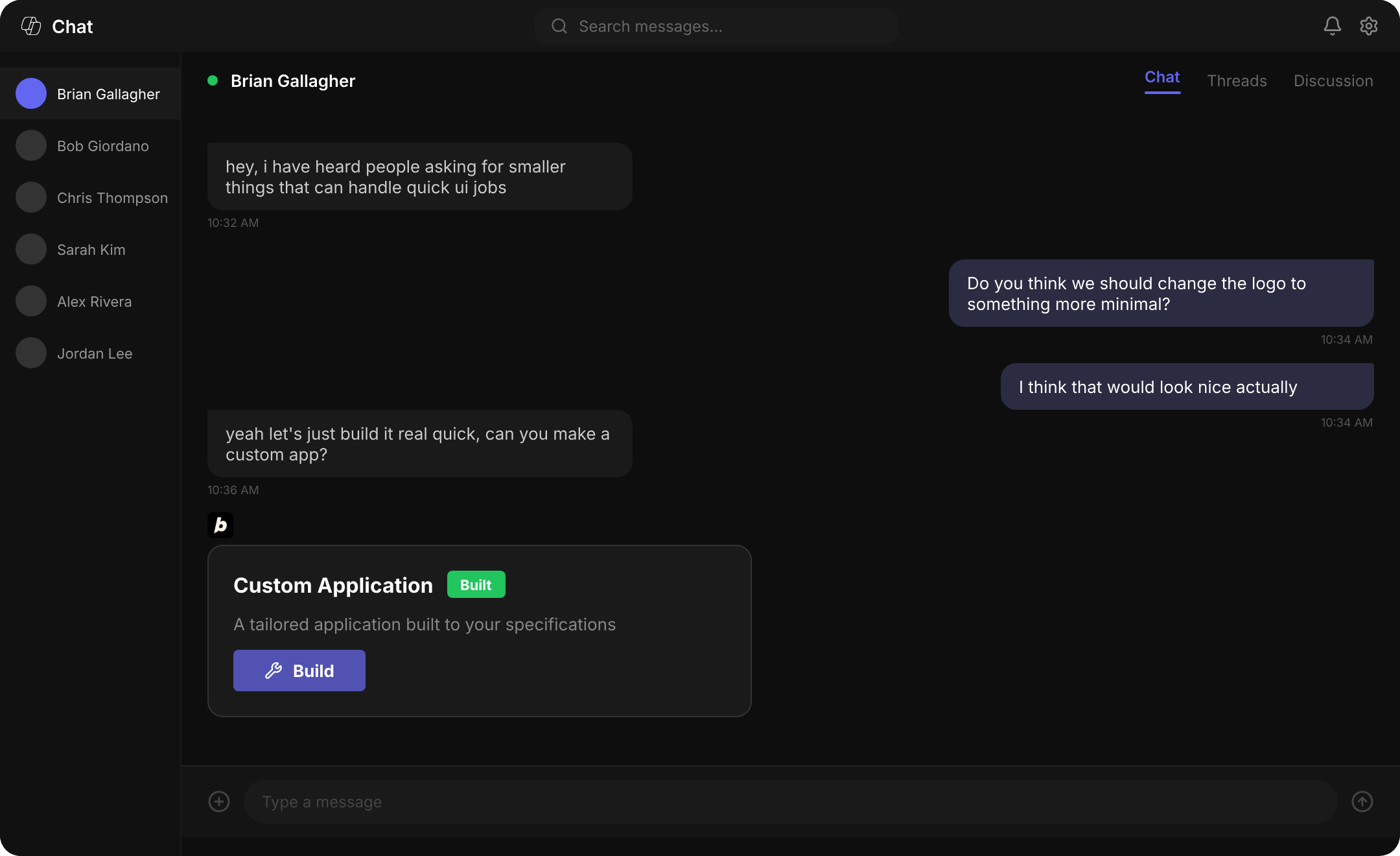
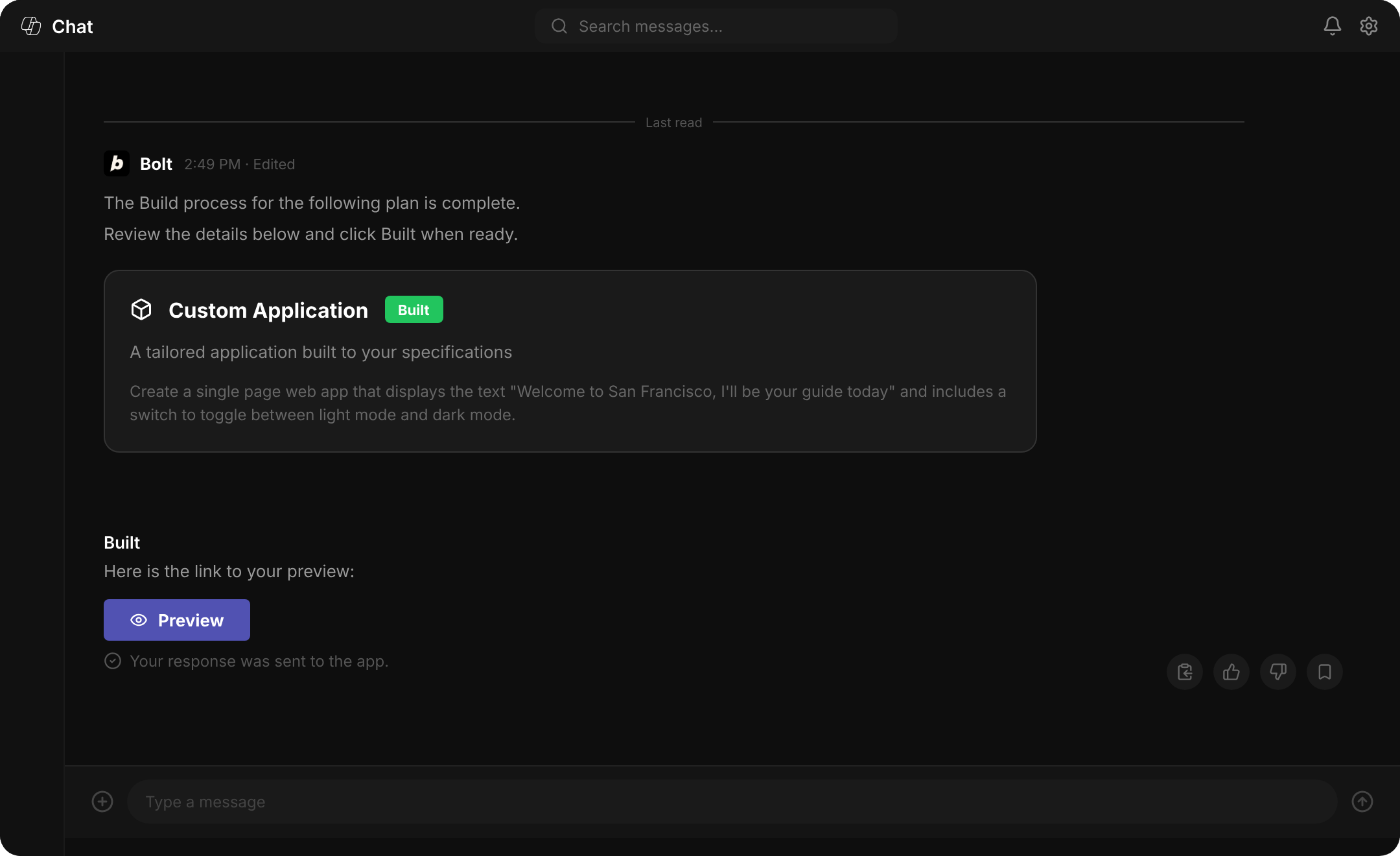
Prompt Bolt in a Teams chat or in Microsoft 365 Copilot. It plans the work, builds a real app, and shows you a live preview right there in the conversation.
Sign in with Microsoft
Authenticate with your Microsoft Entra ID, the corporate identity your IT team already manages. No separate password to remember.
Admin-controlled rollout
An admin enables Bolt for the organization and governs access through Microsoft Entra, so IT decides who's in.
Enterprise by default
Access is scoped to your organization's tenant and governed by Entra single sign-on, so your existing identity controls apply.
Backed by a Microsoft partnership
Built through a strategic partnership with Microsoft, with co-sell support so it fits how your enterprise already buys.
How It Works
Up and running in minutes
No new tools to learn. No separate logins. Bolt lives inside the Microsoft products your team already pays for.
Admin enables Bolt in Teams
Your IT administrator installs Bolt from the Microsoft Teams App Store and configures access via Entra ID — no additional infrastructure required.
Sign in with Microsoft
Team members sign in with their existing Microsoft credentials. No new passwords. No separate account. Identity is managed through your existing Entra tenant.
Build inside Teams or Copilot
Describe what you want to build in plain language — directly in a Teams channel or through Microsoft 365 Copilot. Bolt generates a working, production-ready app.
Iterate and ship
Refine your app with follow-up prompts, connect it to Azure or GitHub, and deploy — all without switching tools or waiting on engineering.
FAQ
Everything you need to know
With their Microsoft Entra ID, the identity your company already manages. No separate password to remember.
An administrator opts the organization's Microsoft tenant into Bolt. Once enabled, the team can sign in with their Microsoft identity.
Sign-in is governed by your Microsoft Entra single sign-on and access is scoped to your organization's tenant, so the identity and access controls your company already uses apply to Bolt.
Talk to our enterprise team to see how Bolt fits your organization's Microsoft setup.
